How Redwood Software’s integration capabilities connect your workflows across SAP and AWS
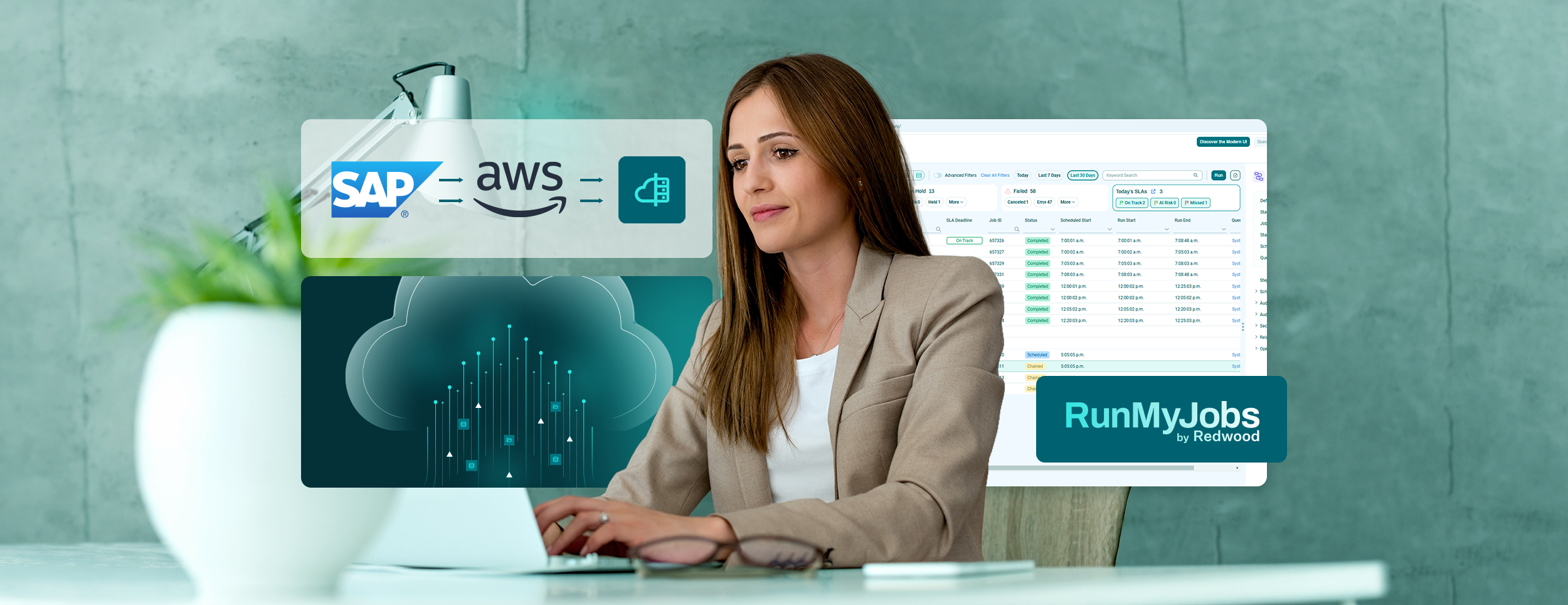
Your automation is only as useful as the systems it connects. If your environment spans on-premises servers, SAP and Amazon Web Services (AWS), a scheduler that sees only part of it leaves your teams to bridge the gaps by hand.
A cloud orchestration platform closes those gaps. It fits automation into your existing workflows, so task execution starts when work is ready and operational efficiency improves across the systems involved.
Redwood Software is named a Leader in the 2026 Gartner® Magic Quadrant™ for Service Orchestration and Automation Platforms for the third consecutive year and positioned furthest in Completeness of Vision. Redwood serves 7,500+ customers, and its platform has run more than 50 billion automations.
What happens when your schedulers can’t see each other
GROWMARK, a large agricultural cooperative with several business units, ran into this problem after moving to SAP. SAP’s native task scheduler handled its SAP batch jobs, and a separate on-premises scheduler executed everything else.
The two schedulers had no connection, so teams coordinated them by clock time. They scheduled an SAP job for three minutes past the hour and a downstream job for 23 minutes past the hour.
That timing broke when an SAP job ran long without failing. The downstream job still started on schedule, found no output and reported success. Someone had to notice that the downstream job finished too fast.
This is the integration gap in its simplest form. Each tool worked, but no tool knew what the other was doing.
How integration capabilities improve operational efficiency
Every handoff between disconnected systems adds delay and risk. Data waits in a queue, someone copies results between screens or a missed step holds up a shipment or a customer order.
Integration capabilities let one workflow coordinate work across applications. Each step runs when a condition you set is met, such as a finished job, a new file or a status change, and it knows the result of the step before it. For your teams, that means:
- Fewer manual handoffs and fewer errors to chase
- Shorter cycle times for processes that cross systems
- One view of what ran, what succeeded and what needs attention
- More time for process improvement
RunMyJobs by Redwood guarantees 99.95% uptime. That reliability matters because connected workflows deliver value only when the orchestration layer behind them is available.
How agentless architecture connects systems without new infrastructure
RunMyJobs is agentless for supported platforms and event-driven. It connects to your applications, services and servers without installing software on each one, and it offers prebuilt integrations for 500+ technologies. You add systems to your existing workflows without writing custom middleware or rolling out agents.
- Faster onboarding: New systems join existing workflows without an agent rollout
- Lower total cost of ownership: Zero-effort maintenance, with self-updating agents for different integrations
- Event-driven triggers: Workflows start when something happens, not at a fixed time
If you still search for a job scheduler or a batch processing tool, workload automation is its modern successor. It still runs the right work at the right time. It also connects your systems into one workflow and reacts to events as they happen.
How RunMyJobs triggers workflows from AWS events
Cloud orchestration on AWS works best when cloud events drive the next step directly. RunMyJobs includes native connectors for Amazon S3, Amazon EventBridge and AWS Glue, and it triggers workflows from EventBridge and Amazon SQS.
When a file lands in an S3 bucket, the process chain starts right away. No polling script checks on a timer, and no always-on host waits for work to arrive.
- Event-driven starts: A workflow begins when a file lands or an EventBridge event fires
- Hybrid coordination: AWS steps connect to SAP and on-premises systems in the same workflow
- Cross-environment visibility: Redwood Insights adds observability and root-cause analysis across cloud and on-premises steps
Moving workloads to AWS is one part of digital transformation. Connecting them to the systems that stay on-premises lets your business run each process from start to finish.
How RunMyJobs connects your SAP systems and processes
RunMyJobs is an SAP Endorsed App and the only workload automation solution in the RISE with SAP reference architecture. It covers S/4HANA, SAP Cloud ERP, SAP Business Technology Platform (BTP), Business Data Cloud, Cloud ALM, Datasphere, Integration Suite, Analytics Cloud and Joule.
System interoperability extends to monitoring. Redwood Insights integrates with SAP Cloud ALM, Dynatrace and Datadog, so your teams keep using the tools they already know.
GROWMARK shows what this looks like in practice. It chose RunMyJobs and rebuilt its jobs one at a time instead of converting them automatically, starting with its SAP processes. Along the way, it dropped about a third of its legacy jobs because they were redundant or unused. Today, every job sits in one view, and later jobs recognize the status of earlier ones.
Kaeser Compressors shows what one connected workflow can do at a global scale. After moving its SAP automation to RunMyJobs as software as a service (SaaS), Kaeser replaced separate processes for each country with a single automated process chain that supports more than 40 countries.
For SAP customers still on SAP ERP Central Component (ECC), a deadline makes this kind of consolidation more pressing. ECC mainstream maintenance ends in 2027, and extended maintenance runs through 2030 at an additional cost. If you are moving to S/4HANA, the migration is a natural point to review how your SAP jobs connect to the rest of your environment.
How to move off a legacy scheduler with zero downtime
Legacy schedulers hold years of jobs, scripts and dependencies, and a risky cutover can break the processes your business relies on. Redwood’s migration team supports zero-downtime migrations from legacy schedulers with proven tooling. You run both platforms side by side until your team trusts the results. A phased approach lets you move one group of jobs at a time. These five steps take you from inventory to cutover:
- Inventory your scheduled jobs and their dependencies
- Classify jobs by criticality and runtime pattern
- Retire redundant or unused jobs before you move them
- Run jobs on RunMyJobs in parallel while the legacy scheduler stays in place
- Validate results and shift ownership in stages, with a rollback plan for each stage
Step three often pays off more than teams expect. GROWMARK cut about a third of its legacy jobs during its move, and in some cases one job now does what three did.
How RunMyJobs governs AI agents inside your workflows
AI agents need the same connections to your systems as any other workload, and they need governance on top. Redwood’s agentic orchestration runs AI agents inside governed workflows, with observability and human oversight built in.
Redwood’s Model Context Protocol (MCP) server lets third-party large language models and agents use your business logic. Redwood RangerAI adds AI assistants and an Automation Co-pilot across the platform. RunMyJobs also integrates with SAP Joule, so enterprises can work with automations through SAP’s assistant while IT keeps governance.
The result is one orchestration layer for scheduled jobs, event-driven workflows and AI agents. You see what each agent does, and your team keeps final approval where it matters.
Security certifications behind every connection
When one platform connects many systems, its security standards apply to all of them. RunMyJobs holds ISO 27001, SOC 2 Type II and TX-RAMP certifications.
Where to start connecting your workflows
Start with the handoff that costs your team the most time. That might be two schedulers coordinated by clock time or an AWS process that waits on a polling script. Connect that workflow first, measure the change in manual steps and cycle time, then extend to the next one.
Find out how your automation compares in Redwood’s 2026 Enterprise Automation Benchmark Report, or request a demo of RunMyJobs to see how it connects your SAP, AWS and on-premises systems.