User-centric automation design: how a cloud orchestration platform lets business teams build their own workflows
Many enterprises have more automation ideas than people who can build them. When every workflow needs a scripting specialist, requests pile up in a queue and business teams wait.
User-centric automation design changes who can build. It gives non-technical users an intuitive interface, ready-made workflows and plain-language tools, while IT keeps control of what runs in production.
Why automation stays stuck with specialists
Turning a business process into a workflow usually takes translation. The person who understands the process explains it to the person who understands the platform, and the request moves through meetings and a ticket queue before anything runs.
Each new request adds to that queue. Business teams wait for changes they could describe in a sentence, and the specialists who could improve core processes spend their days on routine builds.
The analyst or operations lead who owns a process describes it, reviews the draft and runs it. Specialists set the standards and focus on the complex work only they can do.
Newsday Media Group keeps process owners involved from the start. Its automation team documents and diagrams each process with the business users who run it, and those users review the design before development begins. Work starts only after they approve it.
What an intuitive automation interface looks like in RunMyJobs
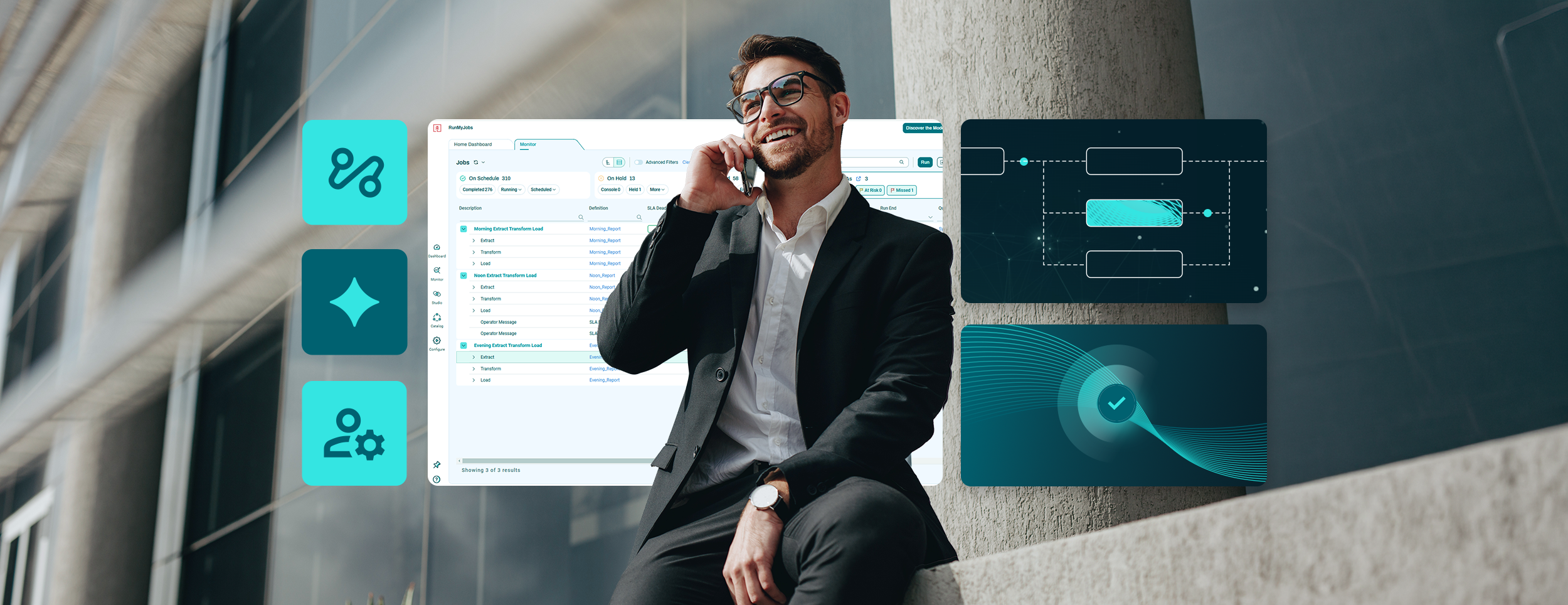
RunMyJobs by Redwood gives business users a visual editor and a set of self-service tools. Both run on the same cloud orchestration platform IT uses for production workloads, so IT’s governance controls apply to everything they build.
- Visual workflow editor: Users design and adjust workflows by dragging and dropping instead of writing scripts
- Blueprinted workflows: IT builds approved workflow blueprints, and business units apply them with their own values and connections
- Self-service forms: End users start workflows from configured forms and approve steps through interactive messages
- Focused portals: Each business unit sees only the forms, links and workflows it needs
Users can start applying blueprints after a few Redwood University lessons. Because RunMyJobs configures workflows as objects, updating a template is easy.
Service desk teams get the same access. A built-in, bidirectional ServiceNow integration lets them create incidents, pull incident details and run automations without leaving the tool they already use.
How simplification reduces risk without removing capability
An easy interface only helps if the platform underneath stays reliable. RunMyJobs runs as a fully managed SaaS platform, so updates happen in the background, and Redwood Software guarantees 99.95% uptime. Your IT team spends less time on patching and upgrades and more time helping business teams build.
Simplification also protects knowledge. A script written by one specialist is hard to maintain once that person moves on. A visual workflow built from a shared blueprint stays readable for whoever owns it next, and the Redwood RangerAI Automation Co-pilot generates documentation for any job or workflow in one click.
Leaving a legacy scheduler doesn’t have to interrupt anything. Redwood’s Professional Services team uses proven tooling to move jobs to RunMyJobs without disrupting your business.
Can non-technical users build workflows without writing code?
Yes. Business users already build with the visual editor and blueprints. In RunMyJobs, Workflow Builder gives you two no-code ways to start a workflow:
- Describe it: Type what the process should do in plain English, then refine the result in conversation
- Upload it: Add a standard operating procedure (SOP), process description or runbook, and Workflow Builder works out the steps
Workflow Builder builds from what already exists in your environment: your jobs, connectors and partitions, such as your SAP and Amazon Web Services (AWS) connections. When something it needs isn’t there, it flags the gap and shows the closest match instead of inventing a step. Workflow Builder creates nothing until a person approves it, so business users can build while IT keeps oversight.
Redwood RangerAI supports users after the build:
- Product Assistant: Gives operators context-aware answers to troubleshooting and how-to questions without escalating
- Automation Co-pilot: Generates job scripts and technical documentation for developers from plain-language requests
These no-code solutions shorten the path from a process description to a running workflow. Redwood describes the change as moving from weeks of tickets and meetings to a reviewable draft the same day.
How governance lets more people build safely
More builders need clear boundaries. RunMyJobs includes access and governance controls that fit how your business is organized:
- Audit logging: Comprehensive auditing and logging records all activity on the platform
- Logical partitions: Each business unit works in its own segment of the platform
- Secure credentials: Workflows authenticate with remote systems using securely stored credentials and certificates
- Separate environments: Environments match the way you architect your systems
- Single sign-on (SSO): Access follows your enterprise security standards, with support for multiple SSO providers
Troy Hartfiel, IT Director at Journal Media Group, says Redwood lets his team automate processes “from a variety of CRM and other applications quickly and easily” with a single solution.
Redwood Software is named a Leader in the 2026 Gartner® Magic Quadrant™ for Service Orchestration and Automation Platforms for the third consecutive year and positioned furthest in Completeness of Vision. Redwood serves 7,500+ customers, and its platform has run more than 50 billion automations.
Visibility completes the picture. Redwood Insights gives IT, process owners and managers persona-based dashboards that show what every builder’s workflows are doing, and RunMyJobs sends that execution data to SAP Cloud ALM and observability tools such as Splunk and New Relic.
How to measure user engagement and efficiency
User-centric design shows up in numbers. Track these signals as more people start building:
- Time from idea to running workflow
- Number of active builders across business and technical teams
- Manual tasks removed each month
- Error and rework rates before and after automation
- Cycle time for end-to-end processes
- Time to trace a failed workflow across AWS, SAP, other cloud platforms and on-premises systems
- Share of IT time spent on maintenance versus new initiatives
A 60-day pilot gives you a clear baseline. Pick one manual process, build it from a blueprint or a Workflow Builder draft and report the change in active builders, hours returned and error rates. Use Redwood Insights to connect that activity to the cycle times your leadership already tracks.
How people stay in control as AI agents join workflows
User accessibility matters even more once AI agents start working inside your processes. When workflows are visual and transparent, the people who own them can set the rules, review results and step in when judgment is needed.
Agent Studio in RunMyJobs lets you build custom AI agents that run as steps inside a workflow. You define an agent’s skills, connect its tools and run it on your preferred AI platform, and the agent follows the same schedule, governance and observability as every other step, with timeout and cost controls built in.
When an exception fires, the agent can start investigating in seconds and hand a person a worked-up case instead of a bare alert. For patterns it recognizes, it can resolve the exception and record a full audit trail, so people can spend their time on new cases. Redwood’s agentic orchestration adds deterministic guardrails to AI reasoning across your environment, built on open protocols such as MCP, so your team stays in the loop wherever decisions carry consequences.
Where to start with user-centric automation
Start with a process that already has a written SOP and an owner outside IT. Have that owner turn the SOP into a Workflow Builder draft, review it with IT and run it from a self-service form. One streamlined process shows other teams what they can build for themselves.
See how your automation compares in Redwood’s 2026 Enterprise Automation Benchmark Report, or request a demo of RunMyJobs to see Workflow Builder, blueprints and self-service portals in action.